
I have mentioned the infraction system a number of times but haven't really written a proper guide to it.
Introduction
The infraction system is a point-based warning system for players. When a player breaks a rule, they should be issued with an 'infraction'. This is more commonly known as a 'warning'. Each infraction given should be assigned a number of points which matches the severity of the offence. Each different offence type has a different minimum and maximum points bracket that can be issued.
Once a player has accumulated 10 infraction points (generally through multiple infractions adding up), they will be temporarily banned. The first ban will be for just a week. When they return after that week their infraction points will have reset to 0. If they accumulate 10 points again they will be banned for even longer. On the fourth time it will be a permanent ban.
The infraction system is a good tool to use as it gives admins an easily accessible 'offence history' for players. You can see what they got infractions for before, and if they are repeatedly breaking the same rule(s) you may want to simply outright /ban them rather than constantly issuing more infractions.
Issuing infractions
Below is a series of screenshots and a step-by-step guide to issuing infractions and also checking a player's existing infractions. Take note of what is highlighted in red - this is what was selected for this guide.
1. Select player
To issue an infraction, simply type /infract. The below dialog will appear.
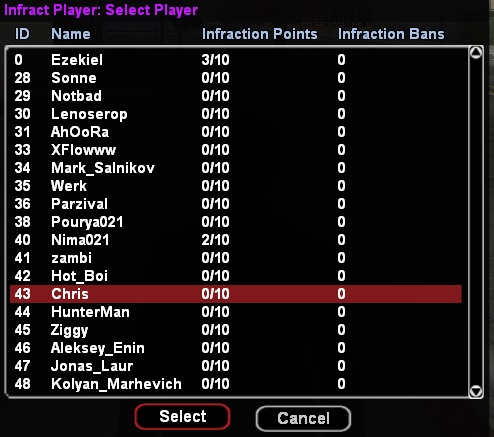
Select a player from this list to issuie them with an infraction. You can already see how many infraction points they have and how many infraction bans they have already had.
Alternatively you can type /infract [name/id] to get straight to the next stage.
2. Confirm player
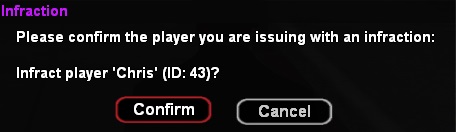
Once you've selected a player from the list, you need to confirm this is the correct player:
3. Select reason
Once you've selected and confirmed which player to infract, you need to select one of the predefined reasons for the infraction. As mentioned previously each offence has a different minimum and maximum points limit:
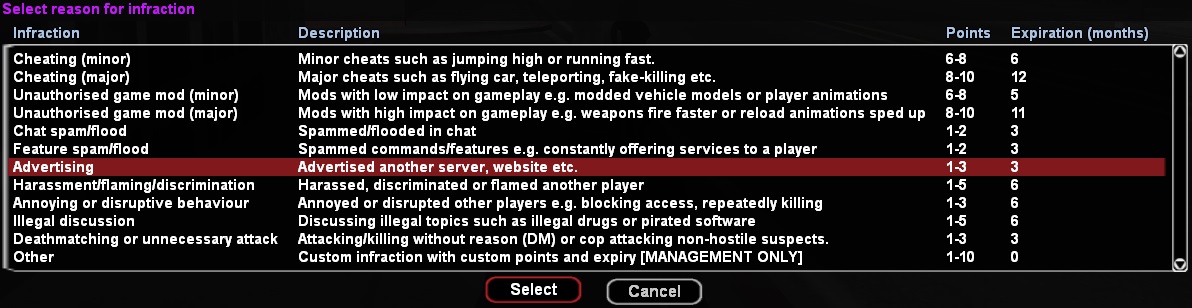
Each reason also has an expiry time, after which the infraction points will be removed from the player's account. The infraction will still appear in the player's infractions history list though.
4. Enter details
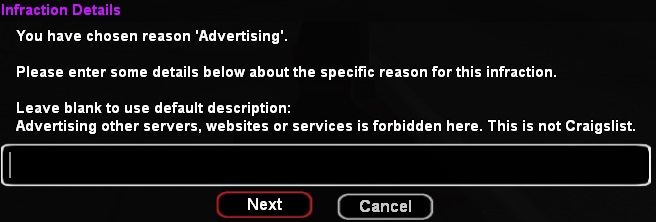
Once a reason is selected, you need to further specify the reason for the infraction. This will be shown to the player so enter it carefully and professionally. Don't put 'u were haking'. Alternatively you can leave this box blank and it will use the shown default details text. You should always try to put your own reason in:
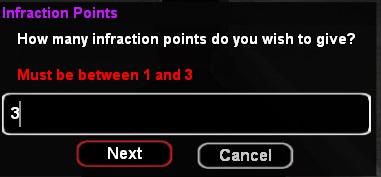
5. Assign points
Depending on the offence selected, you must assign a number of points to the offence based on the severity of the offence. For example the 'advertising' offence must be assigned either 1, 2 or 3 points. If the player simply PMed one player to 'come to my server 127:0:0:1:6969' they didn't mass-advertise so just give them 1 infraction point. They should also be muted in addition to this infraction (mute first to prevent further offences while issuing infraction). If they advertised once in chat, give them 2 points because they mass-advertised. If they are spamming their server IP in the chat, they should be given the full 3 points. They should also be infracted again separately for spamming.
6. Confirm the infraction
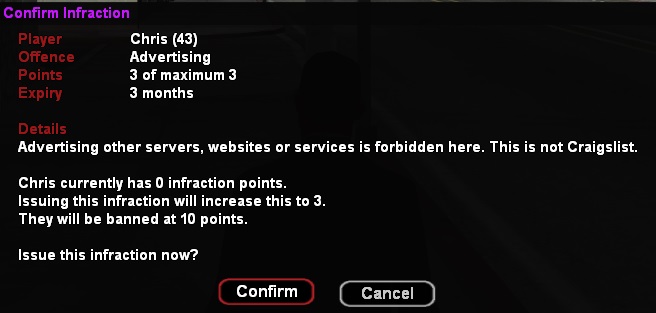
Once points are assigned, you will be shown a summary of the infraction showing the player, reason, details and points. You need to double check these are all correct before issuing the infraction. If anything is not right, please cancel the infraction and start again.
7. Review the infraction
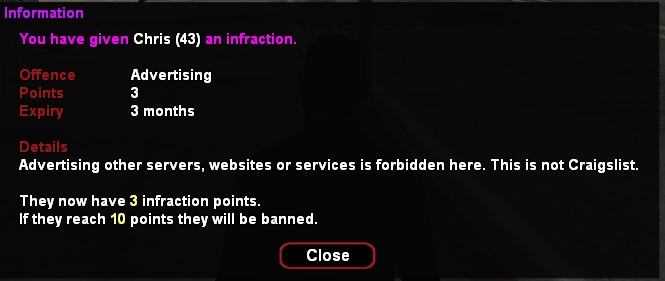
Once confirmed you will be re-shown the infraction details. Have one final check of this to make sure everything is right. If not, you need to revoke the infraction and reissue it as detailed further on.
Viewing and revoking infractions
Type /infracts [name/id] to view a player's infractions:
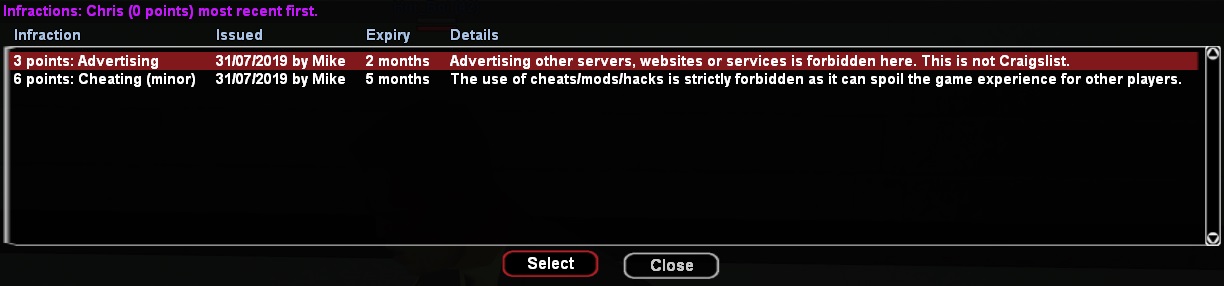
Select one to revoke it (admin only). You will be asked to confirm if you want to revoke it:
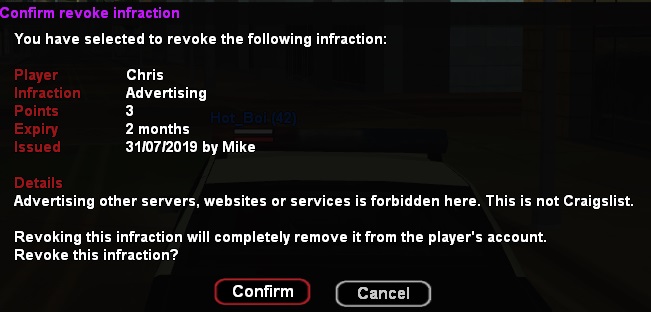
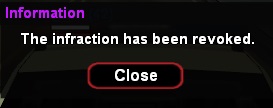
At the moment the infractions will still appear in the players' infractions list, the points will be removed from their total however. I need to change this.
Summary
In summary, you should now know exactly how to use the infraction system. Can all staff please ensure they are using this system correctly. It makes moderation easier when we have a history of a player's offences.
